Background Information: Michael Stephens stated in his Office Hours article “Adopt or Adapt?” (Stephens, 2017) that “There is no mandate to use new technology in libraries, but these tools can lead to the best way of doing the job and serving users”. Over the years, Hazard Library, although small, has tried to serve its patrons with current technologies and has been instrumental in bridging the digital divide through provision of internet access. Currently we provide our patrons with unlimited broadband wifi service which is available at all times.
There are 3 public access computers, but as you can see in these photographs, our computer stations are crowded and with the exception of the one computer carrel, there is no available open space for patrons to be able to lay out materials or write. There is no other table available with the exception of a children’s picnic table.
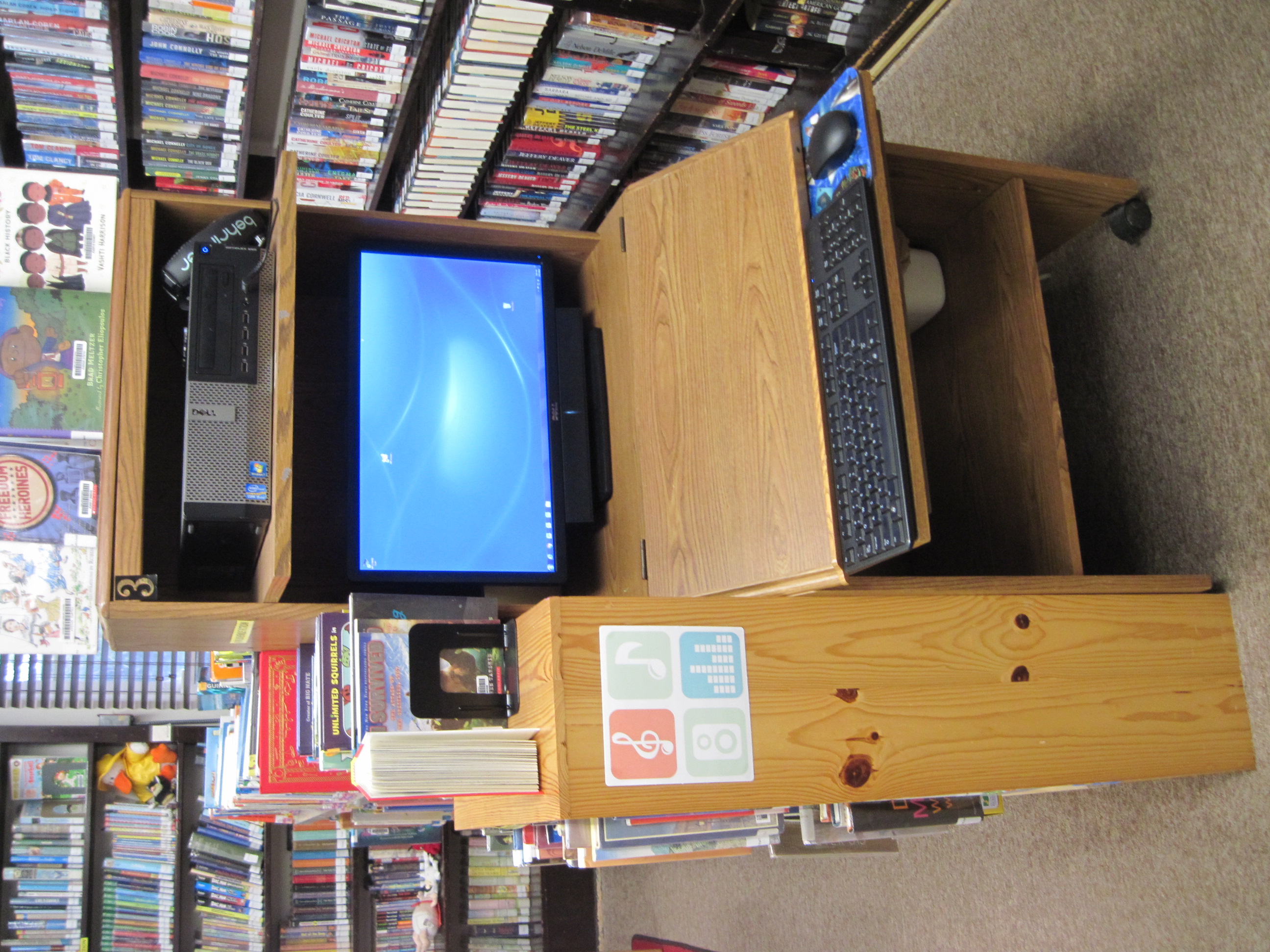
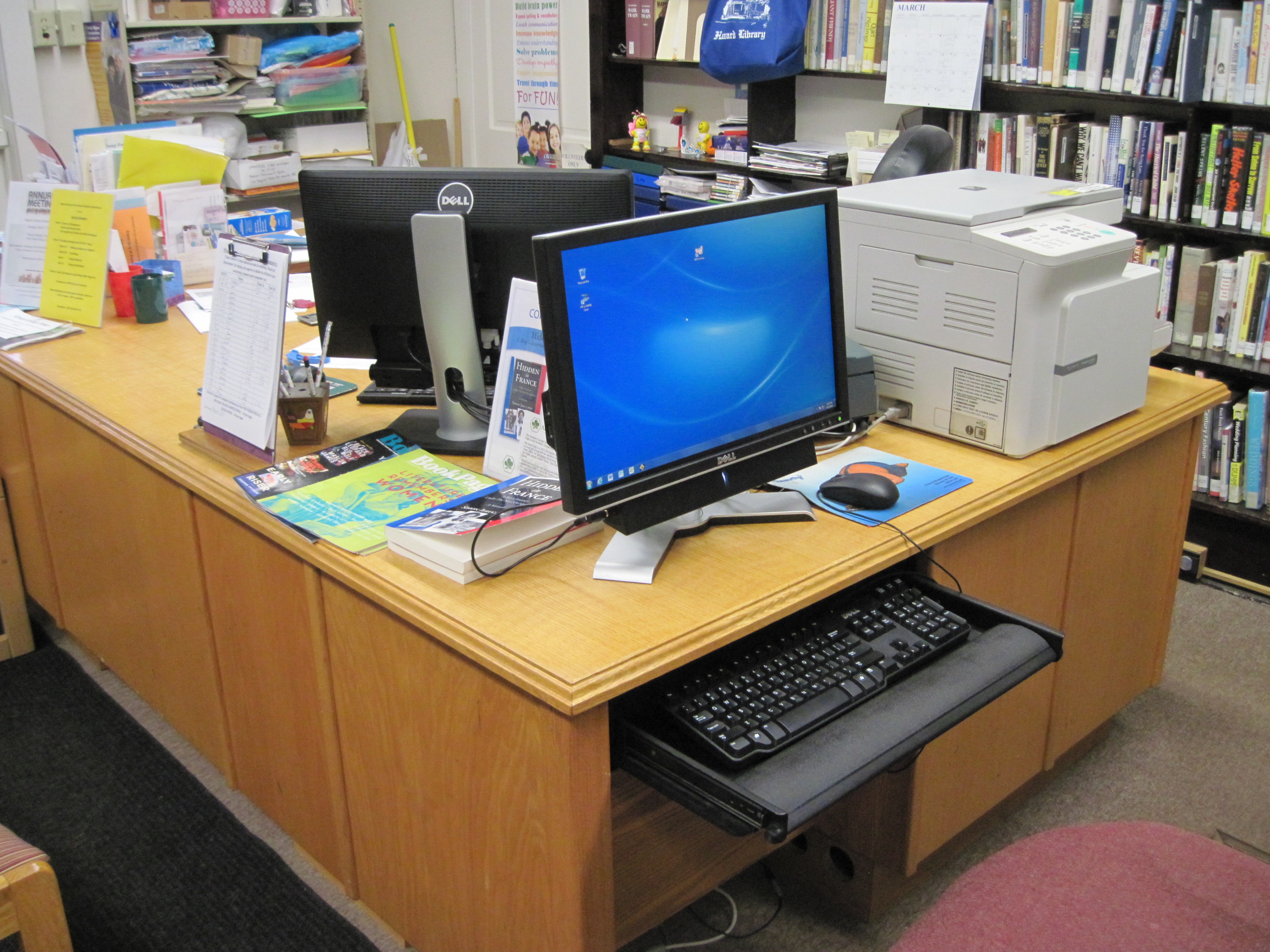
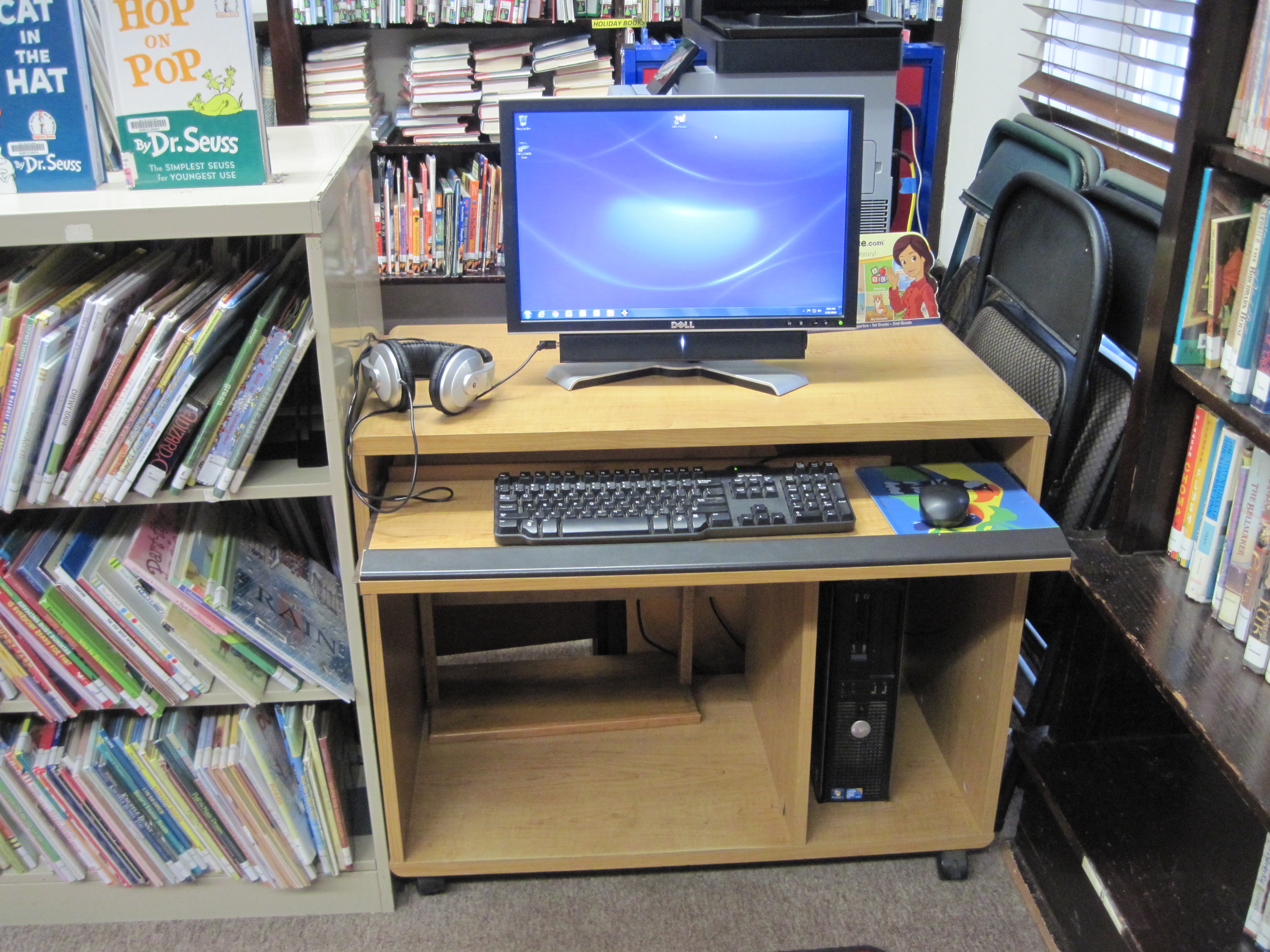
Goals/Objectives for Technology or Service: Although use of laptop computers, rather than desktop models, would not be a considered a groundbreaking new technology, the switch to using laptops as an alternative to the current desktop computers would give much more flexibility to the way in which our patrons can use the library spaces. Having laptops would also give library staff the ability to move the “library” to any community space by allowing us to access the mobile component of our circulation system, “Polaris LEAP”.
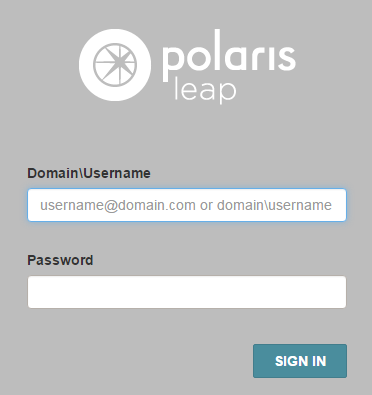
This would then allow us to expand our hyperlinks in the wider world and broaden the services we are currently offering in the community. Although we already allow people to fill out the paperwork for new library cards during community events, we could then input their information right there in the field. We could have books available to check-out at any location in the community and truly offer a “bookmobile” service at remote locations.
Description of Community you wish to engage: The top priority the majority of users of Hazard Library have expressed, when asked about changes, is that they would like to see the library have “more space”. We are currently engaged in moving forward with a 2-stage expansion project. Just by giving our patrons the opportunity to use our existing spaces with more flexibility will be a first step in meeting their needs in a tangible way. If patrons wish to use computer services, they can set up a laptop on the open desktop. When computer use is not desired, they can be stored until requested. Library users will have the option to spread out books, write or draw, or come in to take a test on an open surface.
Action Brief Statements:
For the Library Board of Trustees
Convince the Hazard Library Association Board of Trustees that by replacing the desktop computers with laptop computers they will be able to provide additional work space to their patrons which will better meet the needs of the community because it will increase the usable space within the library and still provide the members with quality computer and internet access.
For the Users of Hazard Library Association
Convince the Users of Hazard Library Association that by replacing the desktop computers with laptop computers they will have greater access to work space within the library which will better meet their needs because it will increase the usable space available to them within the library while still providing them with quality computer and internet access for which assistance will be provided as needed.
Evidence and Resources to support Technology or Service: There is the consideration of whether to purchase Dell Laptops or Acer Chromebooks.
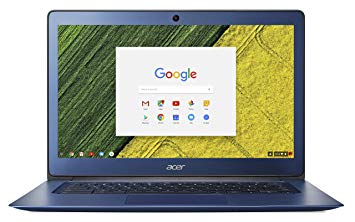
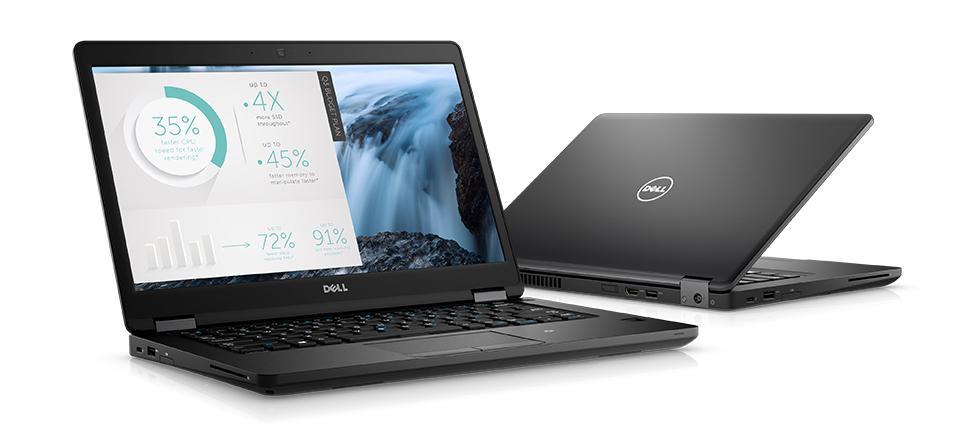
While the price of the Chromebooks is less, the main consideration is the multi-functionality of the units to be purchased. Discussion with a member of the Computer Network Services Team at the Finger Lakes Library System has led to a decision to pursue purchase of the laptop option due to the word processing limitations of the Chromebooks. Many of our patrons use the library’s computers as a means of printing or working on documents they have brought in on flashdrives and are Microsoft Word based. Kevin Murnane (2018) reports that while there is a Word for Android app that works well on Chromebooks it does not offer the full features of Microsoft Word. He goes on to explain that there are ways in which certain features can be accessed but my concern is to keep our technology offerings as user-friendly to our patrons as possible. In contrast, use of the laptops will easily give people the option to access Google Docs online as they do now.
Murnane, K. (2018, July). Is a Chromebook right for you? Comparing Word for Windows with Word for Android. Forbes. Retrieved from https://www.forbes.com/sites/kevinmurnane/2018/07/01/is-a-chromebook-right-for-you-comparing-word-for-windows-and-word-for-android/#50d2580234c4.
2018 Bulk Computer Purchase. Finger Lakes Library System. Retrieved from http://www.flls.org/computer-network-services/bulkcomputerpurchase/.
Staffing Considerations for this Technology or Service: Overall this change will not require an increase in staffing with the exception of training sessions for use of the technology. Staff will also be instrumental in making decisions regarding how and where the laptops will be stored. It has not yet been determined if the computers will be the primary or secondary use of the desktop space. The three options under consideration are:
- Keep the laptops on the desktops and move them if the space is desired.
- Keep the desktop space clear and get the laptops out when needed.
- Combine the first 2 options and keep some spaces clear and at least one laptop available at all times.
Training for this Technology or Service: As Michael Stephens (2017) states “Emerging technology is a continuum. One library’s bleeding edge service may be another library’s “that’s so 2012!” It is anticipated that other staff, volunteers, and library patrons will need some training in how to use the updated operating systems.
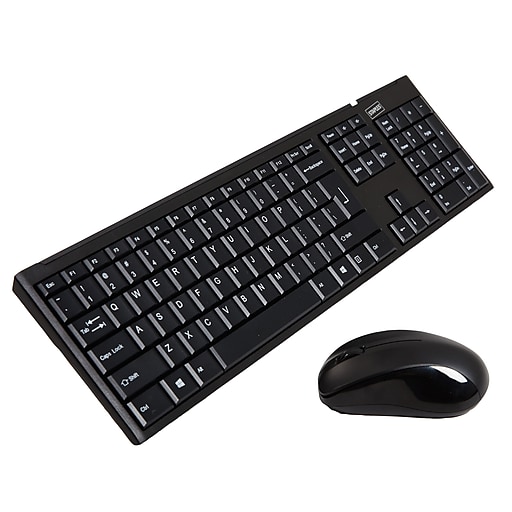
One aspect to also consider is the change from a traditional keyboard and mouse to using the keyboard and pad on the laptop. Because many of our patrons have demonstrated some form of “Technophobia” (Stephens, 2012) in order to avoid this being a concern for users, we will have wireless keyboards and mice available as well.
We are currently offering adult training sessions in various aspects of internet sites (eBay, craigslist, genealogy websites, Shutterfly, social media – see https://www.hazardlibrary.org/ for more information). Sessions for access and use of the change in technology would also be offered to the public as needed or available on an individual basis.
Mission, Guidelines, and Policy related to Technology or Service: The current computer use policy is directed at use of permanently situated desktop computers. In relation to the considerations for access to the laptops, a new policy would need to be set to indicate how to request use of the laptops, and their accessories, if they are not always available to the public. Examples for policies will be gathered from other libraries that are using similar technology to guide the adjustments to be made to the current policy. Typically library staff provide draft copies of new or updated policies to the Library Board for discussion and ratification prior to implementing them.
Funding Considerations for this Technology or Service: This project will not result in the need for a new funding stream to get it started. Money has been allocated for computer upgrades and we currently also have some grant funding that is unspent and available for use to make improvements to the library.
Action Steps & Timeline: Each May the Finger Lakes Library System offers a bulk buy for computer technology to the member libraries. This allows all of the libraries to take advantage of pricing discounts and have the computers set up to the correct specifications by the system’s Computer Network Service Team. Hazard Library has not replaced any of the 4 computers in the library in far too long. All of the computers are currently operating on Windows 7. Updating to the most current operating system may prove to be essential with the upcoming census in 2020. Discussions with the Library Board had previously centered on a priority to replace the circulation computer without which the library cannot function. This new change in considerations for computer replacement will be presented to the Board at a meeting on 3/25/19 with an aim to move forward with purchasing laptops and making a conversion in May 2019, most likely extending the replacement of the circulation computer to May 2020.
Promotion & Marketing for this Technology or Service: We currently promote programs and activities through a variety of means. These include online via our website, Facebook, and Twitter accounts. We also publicize information in the local newspapers and our school district newsletter. Flyers are generated that are posted in the community, with quarter-sheet handouts available within the library to be given directly to patrons. It is anticipated that we would use these means to generate excitement about our “new space” within the libraries and to alert patrons to the change in technology.
Evaluation: As we are entering into our library expansion project we plan to have patrons complete a questionnaire (that I designed in INFO 285 during the Fall 2018 semester) to determine their current needs in library spaces and services. Use of this change in technology and library spaces will be added to the prototype questionnaire. The service may be expanded in the future to include more portable technology, such as tablets, with consideration of offering the opportunity to circulate them. We are hoping to gain anecdotal information from users as well regarding their experience with the technology and their ability to have space to work on projects on an uncluttered desktop.
References
Hazard Library Internet Access and Computer Use Policy Retrieved from http://www.hazardlibrary.org/internet-access-computer-use-policy/.
Stephens, M. (2017, January). Adopt or Adapt?. Library Journal. Retrieved from https://www.libraryjournal.com/?detailStory=adopt-or-adapt-office-hours.
Stephens, M. (2012, May). Taming technolust? Ten steps for planning in a 2.0 world. Tame the Web. Retrieved from https://tametheweb.com/2012/05/30/taming-technolust-ten-steps-for-planning-in-a-2-0-world-full-text/.
Photos
Acer Chromebook Retrieved from https://www.google.com/search?client=firefox-b-1-d&biw=1124&bih=539&tbm=isch&sa=1&ei=fsqXXOPzJ7G8ggfoi4moAg&q=Acer+Chromebook+14+N3060+&oq=Acer+Chromebook+14+N3060+&gs_l=img.12..0i24.39699.39699..42252…0.0..0.203.203.2-1……1….2j1..gws-wiz-img.RguYnAQKKZ8#imgrc=cSc2_s4VBbyNcM:
Dell Latitude Retrieved from https://www.google.com/search?q=dell+latitude+5480&client=firefox-b-1-d&source=lnms&tbm=isch&sa=X&ved=0ahUKEwinjdXpsZvhAhXwUN8KHQPMDicQ_AUIDygC&biw=1124&bih=539#imgrc=xQCjmXO_4Y71qM:
Polaris Leap Retrieved from https://www.google.com/search?client=firefox-b-1-d&biw=1124&bih=539&tbm=isch&sa=1&ei=stGXXLTbLMy9ggeorKPwBQ&q=FLLS+Polaris+Leap&oq=FLLS+Polaris+Leap&gs_l=img.3…22424.23783..24531…0.0..0.183.707.0j5……1….1..gws-wiz-img.4Y05yINlUx4#imgrc=ExZynRCTNoFGmM:
Wireless Keyboard and Mouse Retrieved from https://www.google.com/search?client=firefox-b-1-d&biw=1135&bih=539&tbm=isch&sa=1&ei=oduXXNHTG6Ks_QakgImwAg&q=staples+wireless+mouse+and+keyboard&oq=staples+wireless+mouse+and+keyboard&gs_l=img.3…17854.18979..19581…0.0..0.0.0…….1….1..gws-wiz-img.2H_V2OwKA_U#imgrc=KliwnCFwR5P9JM:
 Lisa's Library World